

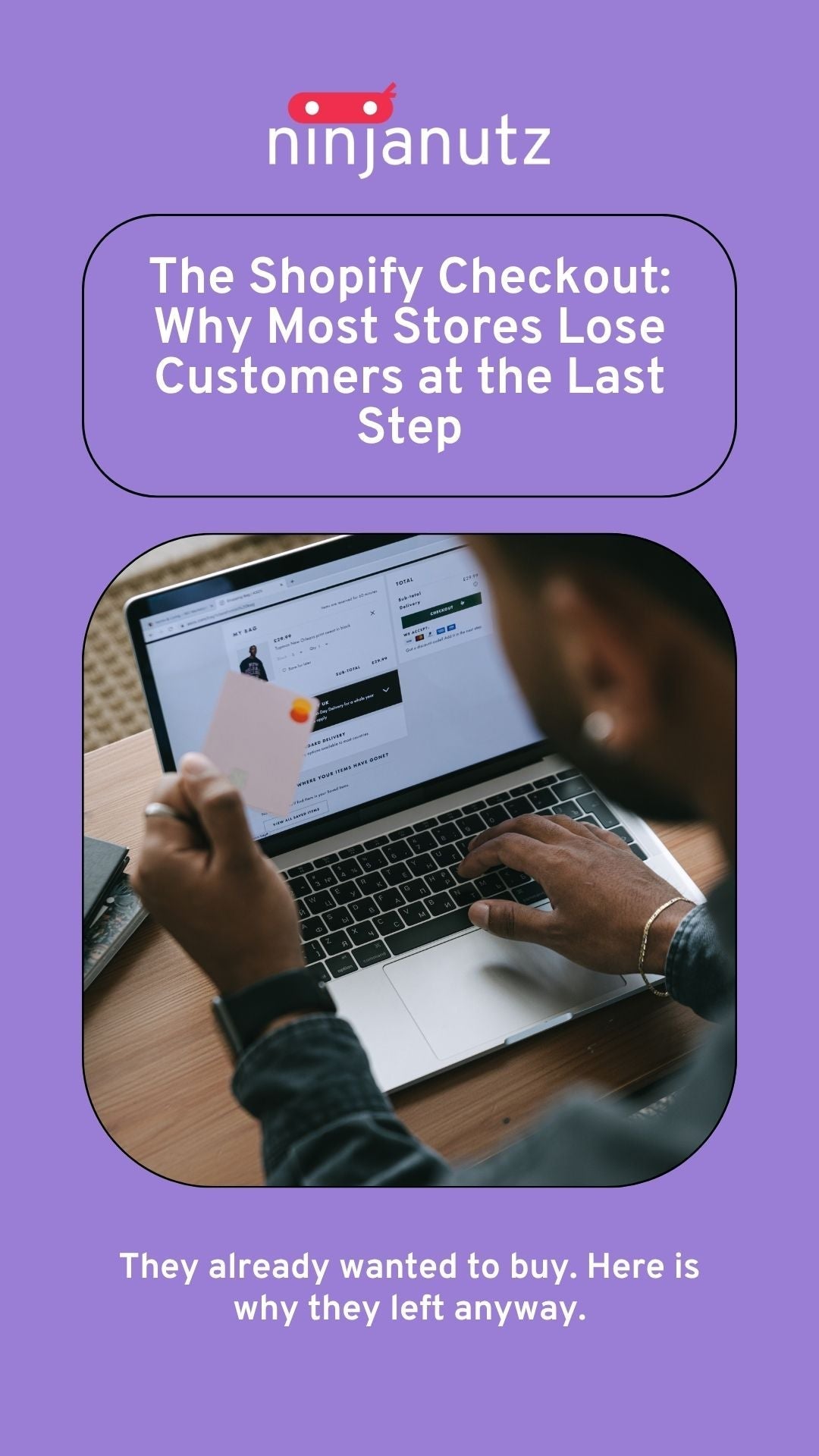
The Shopify Checkout: Why Most Stores Lose Customers at the Last Step
This post may contain affiliate links and we may earn a small commission when you click on the links at no additional cost to you.
Published by NinjaNutz Digital Inc. | Toronto, ON
The Short Answer
Most Shopify stores lose between 60% and 80% of shoppers at checkout. The reasons are almost always the same: unexpected costs, a checkout that does not feel trustworthy, limited payment options, a poor mobile experience, and no recovery strategy for the customers who leave. Most of these are fixable on any Shopify plan. Here is what is actually happening at your checkout and what you can do about it.
A Note on What You Can and Cannot Control
Shopify's checkout is intentionally locked. This is different from most other areas of your store, and it is worth understanding upfront before diving into fixes.
On any Shopify plan you can control:
- Your logo, brand colors, and font in the checkout editor
- Which payment methods are available
- Whether guest checkout is enabled
- Shipping rates, thresholds, and free shipping settings
- Tax display settings
- Abandoned checkout email sequences
- Shop Pay settings and local payment methods
- No custom fields on core checkout steps
On Shopify Plus only:
- Custom checkout UI extensions and layout changes
- Additional form fields and custom checkout logic
- Advanced checkout scripts and third-party checkout apps
- Deeper checkout editor customization
If you are on a standard Shopify plan, the advice in this post focuses on what you can actually action without upgrading. Where a fix requires Plus, it is flagged clearly.
Why Checkout Abandonment Is Different From Every Other Problem
By the time someone reaches your checkout, they have already decided they want your product. They found it, evaluated it, added it to their cart, and started the purchase process.
Losing them here is not a discovery problem or a product problem. It is a friction problem at the moment of highest intent. That makes checkout abandonment both the most frustrating conversion loss and the most valuable one to fix. You are not convincing someone to want your product. You are removing the last obstacles between someone who already wants it and the sale.
The Most Common Reasons Shopify Stores Lose Customers at Checkout
1. Unexpected Costs Appearing at Checkout
This is the single most common reason for checkout abandonment across all ecommerce platforms. A customer adds items to their cart expecting to pay a certain amount. They reach checkout and see shipping costs or taxes they did not know about. They leave.
The fix is not necessarily offering free shipping. It is making all costs visible before checkout begins.
What you can do on any plan: Display shipping costs clearly on product pages and in the cart. Use a free shipping bar (Kaktus is a lightweight option we recommend) to show customers how close they are to a threshold. Enable tax-inclusive pricing in your Shopify settings if it suits your market. Make sure no cost appears for the first time at the checkout screen itself.
What to check: Go through your own checkout as a first-time customer and note every cost that appears for the first time after you click checkout. Each one is a potential abandonment trigger.
2. No Guest Checkout
Requiring a customer to create an account before completing a purchase is one of the most reliable ways to lose them at the last step. First time buyers do not want a relationship with your store yet. They want to complete a transaction.
What you can do on any plan: Shopify supports guest checkout natively. Go to Settings → Checkout and make sure accounts are set to optional or disabled rather than required. Account creation can be offered after purchase as a convenience for next time, not as a gate before this time.
3. A Checkout That Does Not Feel Trustworthy
A customer at checkout is about to hand over their payment information to a store they may have discovered an hour ago. The checkout needs to reinforce trust at the exact moment it matters most.
What you can do on any plan: Use the checkout editor to add your logo and match your brand colours so the checkout feels consistent with the rest of the store. Enable Shop Pay, which carries its own trust recognition with repeat shoppers. Make sure your return policy page exists and is linked in your store footer so customers can find it before committing.
What requires Plus: Adding custom trust badges, review snippets, or custom copy directly inside the checkout flow requires Shopify Plus and checkout UI extensions.
4. Limited Payment Options
Customers have preferred ways to pay. A checkout that does not offer their preferred method creates hesitation at the worst possible moment.
What you can do on any plan: Enable all payment methods available through Shopify Payments for your market. This includes Shop Pay, major credit and debit cards, and local methods depending on your region. Enable buy now pay later options like Afterpay or Klarna through Shopify Payments if your audience and average order value make them relevant. For Canadian stores, check which local methods are available in your Shopify Payments settings.
5. A Mobile Checkout That Was Never Properly Tested
More than 70% of Shopify traffic arrives on mobile. Checkout abandonment rates on mobile are consistently higher than on desktop, and the gap is almost always caused by a checkout that was tested on a desktop and assumed to work on mobile.
What you can do on any plan: Complete your entire checkout process on your phone on a mobile data connection, not wifi. Note every point of friction: fields that are hard to fill, buttons that are hard to tap, keyboard types that do not match the field. Many of these issues originate in your theme's cart and pre-checkout experience rather than the locked checkout itself, which means they are fixable without Plus.
Shopify's one page checkout, which became the default for new stores in 2023, handles much of the step reduction natively. If your store is still on the older multi page checkout, switching to one page checkout is available on all plans and typically improves completion rates.
6. No Recovery Strategy for Abandoned Checkouts
Even with the best optimized checkout, some abandonment is inevitable. The merchants who recover the most revenue are the ones with a systematic approach to bringing those customers back.
What you can do on any plan: Shopify's native abandoned checkout emails are available on all plans and go out automatically. Review your timing and copy in Settings → Notifications. The default messaging is functional but generic. A more compelling subject line and a specific reason to return (the item is still in their cart, stock is limited) will outperform the default.
What improves this further: A properly configured Klaviyo sequence with a timed three email flow (one hour, 24 hours, 72 hours) recovers significantly more revenue than Shopify's native single email and gives you full control over timing, copy, and any offer included.
What a Good Shopify Checkout Conversion Rate Looks Like
| Stage | Average Rate | Good Rate | Excellent Rate |
|---|---|---|---|
| Cart to checkout initiated | 40% to 60% | 60% to 75% | 75%+ |
| Checkout initiated to purchase | 45% to 65% | 65% to 80% | 80%+ |
| Overall cart to purchase | 20% to 40% | 40% to 55% | 55%+ |
If your checkout completion rate is below 50%, there is almost certainly a fixable friction point worth investigating. Below 40% is a strong signal that something specific is going wrong.
The Checkout Audit Checklist
Costs and transparency:
- Are shipping costs visible before checkout begins?
- Is your free shipping threshold displayed in the cart?
- Does any cost appear for the first time at the checkout screen?
Account and access:
- Is guest checkout available and set to optional or disabled in your settings?
- Is account creation offered after purchase rather than required before it?
Trust signals:
- Does your checkout logo and branding match the rest of your store?
- Are recognizable payment method icons visible at checkout?
- Is your return policy accessible from your store before a customer reaches checkout?
Payment options:
- Have you enabled all relevant payment methods through Shopify Payments for your market?
- Have you considered buy now pay later options for your audience and average order value?
Mobile experience:
- Have you completed the checkout on mobile data, not wifi?
- Are all fields easy to fill and all buttons easy to tap on a phone screen?
- Are you on Shopify's one page checkout rather than the older multi page flow?
Recovery:
- Is an abandoned checkout email active in your Shopify notifications settings?
- Have you reviewed the default copy and timing?
When Checkout Problems Are Not Actually Checkout Problems
Sometimes what looks like a checkout abandonment problem is actually an earlier trust problem that does not surface until the payment stage.
If your checkout abandonment is high but your cost transparency, guest checkout, and mobile experience are all in good shape, the issue may be upstream:
- Product pages that did not fully answer the buyer's questions before they reached checkout
- A return policy that is not compelling enough to overcome purchase hesitation
- A brand that has not built enough credibility for a first time buyer to feel comfortable at the payment stage
- Pricing that a customer second guesses when they see the order total
These show up as checkout abandonment, but the fix is earlier in the funnel. A full store audit is usually the fastest way to identify whether the problem is at the checkout or upstream from it.
Frequently Asked Questions
What is a good checkout abandonment rate for Shopify? The average ecommerce checkout abandonment rate is between 60% and 80%. A rate below 50% is considered strong. If more than 70% of customers who initiate checkout are not completing their purchase, there is almost certainly a specific fixable cause worth investigating.
Why do customers abandon Shopify checkouts? The most common reasons are unexpected costs appearing at checkout, required account creation, a checkout that does not feel trustworthy, limited payment options, a poor mobile experience, and no recovery strategy for customers who leave. Most of these are fixable on any Shopify plan.
Can I customize my Shopify checkout without Plus? You can customize branding (logo, colors, font), payment methods, guest checkout settings, shipping rates, and tax display on any plan. Custom layout changes, additional form fields, and checkout UI extensions require Shopify Plus.
Does Shopify's one page checkout reduce abandonment? Yes, for most stores. Shopify's one page checkout reduces the number of steps between cart and purchase and typically improves completion rates. It is available on all Shopify plans and worth switching to if you are still on the older multi page checkout.
How do I recover abandoned checkouts on Shopify? Shopify's native abandoned checkout emails are available on all plans in Settings → Notifications. For better recovery rates, a Klaviyo sequence with a timed three email flow recovers significantly more revenue and gives you full control over copy, timing, and any offer included.
What payment methods should my Shopify store offer? At minimum: major credit and debit cards, Shop Pay, and PayPal. For Canadian stores, check which local methods are available through Shopify Payments in your market. Buy now pay later options like Afterpay or Klarna are worth considering for stores with a higher average order value or a younger demographic.
Work With NinjaNutz Digital
NinjaNutz Digital Inc. is a Toronto based Shopify agency operating since 2014. If your store is getting traffic but losing customers at checkout, our Snapshot Report identifies exactly where the friction is and gives you a prioritized roadmap for what to fix first.
Every theme project we deliver includes a pre-launch checkout review across devices before anything goes live.
NinjaNutz Digital Inc. is based in Toronto, Ontario. We serve Shopify merchants across Canada and internationally.

Leave a comment
All comments are moderated before being published.
This site is protected by hCaptcha and the hCaptcha Privacy Policy and Terms of Service apply.