

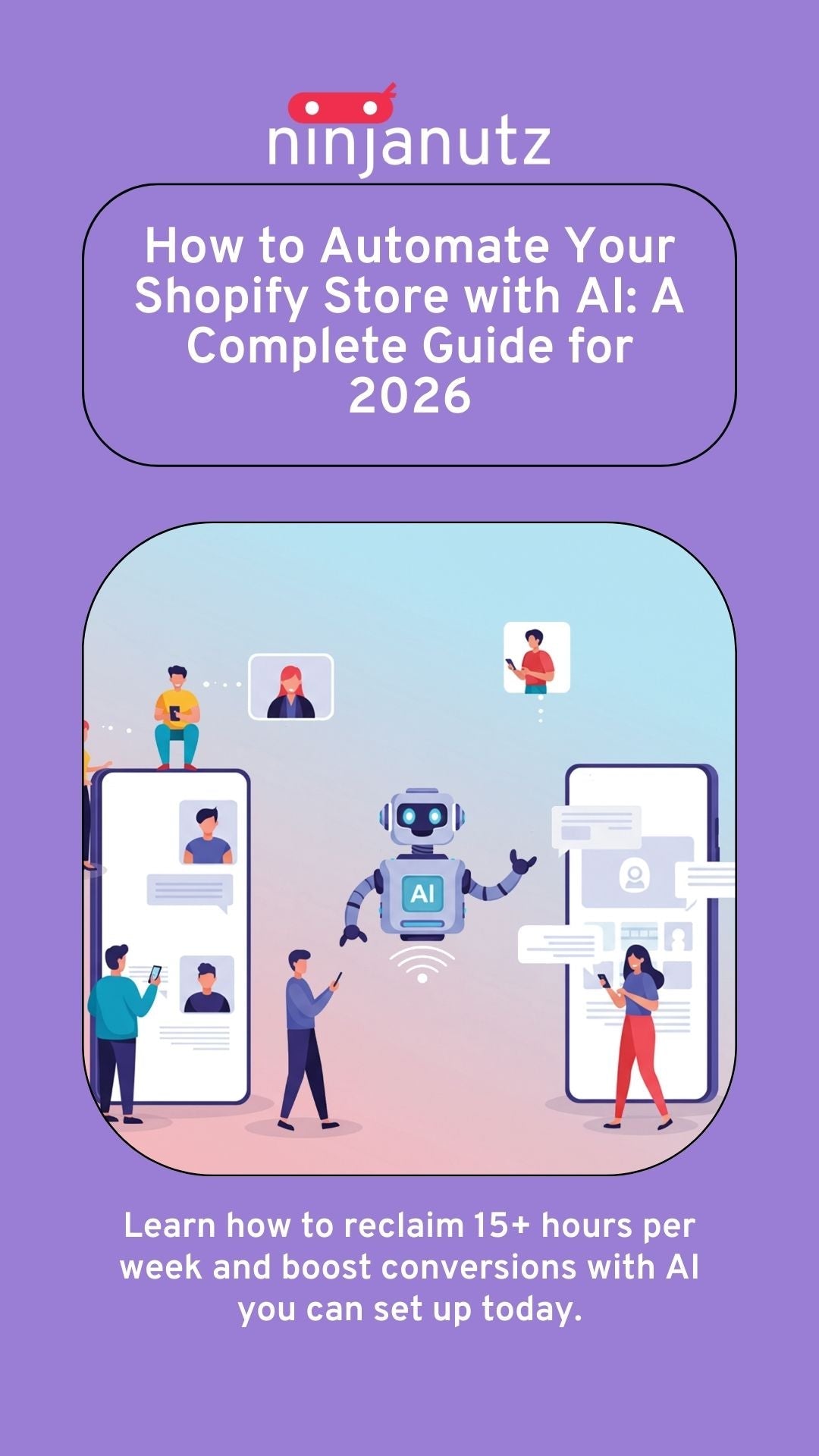
How to Automate Your Shopify Store with AI: A Complete Guide for 2026
This post may contain affiliate links and we may earn a small commission when you click on the links at no additional cost to you.
Running a Shopify store means juggling dozens of tasks every single day. Product descriptions need writing. Images need editing. Customers need responses. Inventory needs monitoring. Marketing campaigns need launching.
And somewhere in there, you're supposed to find time to actually grow your business.
Here's the reality: most Shopify store owners are drowning in repetitive tasks that eat up hours of their day. Tasks that, frankly, don't require human creativity or decision-making. Tasks that AI can handle in minutes.
But there's a gap between knowing AI exists and actually using it to run your store more efficiently.
This guide bridges that gap. We'll walk through exactly how to automate your Shopify store with AI, which tools actually work, and which tasks you should prioritize first for the biggest impact.
Why Shopify Store Owners Are Turning to AI Automation
The e-commerce landscape has changed dramatically. Customer expectations are higher. Competition is fiercer. And the margin between a profitable store and one that barely breaks even often comes down to operational efficiency.
AI automation isn't about replacing the human touch in your business. It's about freeing you from the tasks that don't need it, so you can focus on strategy, customer relationships, and growth.
The numbers back this up. Store owners who implement AI automation report:
- 50-70% reduction in time spent on product content creation
- 40-60% faster customer response times
- 30-50% improvement in conversion rates from better-optimized content
- Significant reduction in operational costs
More importantly, they get their time back. Time to test new products. Time to build better customer experiences. Time to actually run their business instead of being buried in busywork.
Where Shopify Store Owners Waste the Most Time
Let's be honest: running a Shopify store means doing a lot of repetitive work. Some of it matters. Some of it doesn't.
The problem is that the tasks eating most of your time often aren't the ones driving growth. You know this already. You've felt it.
AI automation works best when you focus on the right tasks first. Not every process needs automation. And trying to automate everything at once is a recipe for frustration.
Here's what we've learned working with dozens of Shopify stores: the biggest time drains fall into five categories.
Content creation. Product descriptions, collection pages, email copy, social media posts. Writing this stuff manually is slow. Hiring it out is expensive. Templates feel generic. AI offers a middle path, but only if you know how to use it properly.
Image work. Background removal, resizing, compression, consistency across your catalog. Manual editing in Photoshop takes forever. Bulk tools exist but the quality is hit or miss. Getting this right requires knowing which tools to use for which tasks.
Customer service. The same questions over and over. Return policies. Shipping times. Product availability. You need to answer them, but they don't require your expertise. The trick is automating the routine stuff without losing the personal touch on complex issues.
Email marketing. Your list is valuable but writing campaigns takes creative energy you don't always have. Most store owners either send emails inconsistently or use templates that get ignored. AI can help, but generic AI emails are obvious and ineffective.
SEO optimization. Meta descriptions, alt text, keyword research, content strategy. Critical for growth but incredibly tedious. AI tools promise to speed this up, but most store owners either over-optimize (and hurt rankings) or under-optimize (and miss opportunities).
The common thread? These are all tasks where AI can genuinely help. But there's a right way and a wrong way to automate each one.
Automate incorrectly and you waste money on tools that don't deliver results. Or worse, you damage your brand with obviously AI-generated content that turns customers off.
Automate correctly and you reclaim 10-20 hours per week. Hours you can reinvest in growth, strategy, or just getting your life back.
Choosing the Right AI Tools for Your Store
The AI tool landscape is overwhelming. New tools launch every week. Marketing promises are everywhere. Free trials expire before you figure out if they're worth it.
Here's the reality: you don't need a dozen different AI subscriptions. Most store owners waste money on tools they never fully use.
The key is understanding which types of tools solve which problems, and starting with versatility over specialization.
Some AI tools are general-purpose and flexible. Others are built specifically for e-commerce tasks. Some integrate directly with Shopify. Others require manual copy-paste workflows.
Cost matters too. Free tools exist but often have significant limitations. Paid tools range from $10/month to $100+/month. Knowing which investment is worth it comes down to understanding your specific bottlenecks.
The wrong approach? Subscribing to everything that promises to help and hoping something sticks.
The right approach? Starting with one or two core tools that handle multiple tasks, proving the value, then expanding strategically based on what's actually saving you time and improving results.
Most successful implementations follow a pattern: start broad, measure impact, specialize where it matters most to your specific store.
How to Start: The Right Order Matters
The biggest mistake store owners make is trying to automate everything at once. You end up overwhelmed, the results are inconsistent, and you abandon the whole thing.
The key is tackling automation in the right order. Some tasks have immediate impact and build momentum. Others depend on foundational work being done first.
Here's what successful implementation looks like:
Start with high-impact, low-complexity tasks. Product descriptions and image optimization typically deliver fast wins. You see results quickly, which builds confidence to tackle more complex automation.
Layer in customer-facing automation carefully. Chatbots and email automation require more setup and testing. Get them wrong and you damage customer relationships. Get them right and you free up hours every week.
Build toward strategic automation last. SEO optimization and content strategy require the most refinement. But once dialed in, they compound over time.
The exact sequence matters. So does knowing what to automate on day one versus day thirty.
We've tested this roadmap with dozens of Shopify stores. The pattern is consistent: stores that follow a structured, step-by-step approach see results within the first week. Stores that try everything at once usually quit before seeing any benefit.
If you want the specific day-by-day breakdown of what to implement and when, we've built a free email course that walks through it. One strategy per day. One implementation per day. Immediate results that compound.
Common Mistakes to Avoid
After implementing AI automation for dozens of Shopify stores, we've seen the same mistakes repeatedly:
Mistake #1: Publishing AI Content Without Review
AI is good, but it's not perfect. It can:
- Make factual errors about your products
- Miss important details
- Sound generic if not properly prompted
- Include awkward phrasing
Always review and edit AI-generated content before publishing. Think of AI as your first draft writer, not your final publisher.
Mistake #2: Trying Too Many Tools at Once
Tool sprawl is real. You don't need 15 different AI subscriptions.
Start with one versatile tool (like ChatGPT or Claude) and maybe one specialized tool for your biggest pain point.
Add more only when you've maxed out what your current tools can do.
Mistake #3: Expecting Perfect Results Immediately
AI works best when you iterate. Your first prompts won't be great. Your first outputs will need refinement.
But each time you use AI, you get better at prompting it. Your results improve. The time savings compound.
Be patient with the learning curve.
Mistake #4: Automating Before Documenting
Before you automate a task, document how you currently do it manually.
What's the process? What's the quality standard? What are the edge cases?
This documentation becomes your AI prompt template. Without it, you'll get inconsistent results.
Mistake #5: Forgetting the Human Touch
AI should enhance your customer experience, not replace genuine human connection.
Use AI for:
- Repetitive tasks
- First drafts
- Data analysis
- Speed and efficiency
Keep humans for:
- Complex customer issues
- Strategic decisions
- Brand voice refinement
- Relationship building
Measuring Success: What to Track
You need data to know if AI automation is actually working.
Track these metrics before and after implementing AI:
Time Metrics:
- Hours spent on product content per week
- Customer service response time
- Time to launch new products
- Email creation time
Business Metrics:
- Conversion rate by product page
- Average order value
- Customer satisfaction scores
- Email open and click rates
- Organic search traffic
Cost Metrics:
- Total hours saved (valued at your hourly rate)
- Tool costs
- Net savings (hours saved minus tool costs)
Most store owners see positive ROI within 30-60 days.
The Real Value: Getting Your Time Back
Here's what happens when you successfully automate the repetitive parts of running your Shopify store:
You get your evenings and weekends back. You stop feeling like you're constantly behind. You have mental space to think about growth strategy instead of just keeping up with daily tasks.
You can test new product lines because you have time to research and launch them properly. You can improve customer experience because you're not buried in busywork. You can actually work on your business instead of just in it.
That's the real promise of AI automation. Not replacing you. Freeing you.
Getting Started Today
AI automation for your Shopify store isn't a someday project. The tools are ready. The technology works. And every day you wait is another day spent on tasks that could be automated.
Start small. Pick one task from this guide. Automate it this week. Measure the results. Then move to the next one.
Within a month, you'll have reclaimed hours of your time every week. Within three months, you'll have transformed how your store operates.
The question isn't whether to use AI automation. It's whether you can afford not to.
Want a structured roadmap to implement AI in your Shopify store? We've created a free 7-day email course that walks you through exactly what to do, one day at a time. No overwhelming tech tutorials. Just practical strategies you can implement immediately.
Get it at ninjanutz.com
Frequently Asked Questions
Do I need technical skills to use AI for my Shopify store?
No. Most AI tools today are designed for non-technical users. If you can write an email, you can use ChatGPT. If you can use Shopify's admin panel, you can use AI automation tools.
How much does AI automation cost?
Basic AI automation can start at $20-50/month for essential tools. Compare that to hiring help ($15-30/hour) or the opportunity cost of spending 20+ hours per week on repetitive tasks.
Will AI-generated content hurt my SEO?
No, if used correctly. Google cares about content quality and usefulness, not whether AI was involved in creation. The key is reviewing and ensuring your content is accurate, helpful, and meets user intent.
Can AI completely replace human customer service?
Not completely, and it shouldn't. AI handles routine questions well (60-80% of inquiries). Complex issues, complaints, and relationship-building still need human attention.
What if my brand voice is very specific?
AI can learn and match specific brand voices. You provide examples, tone guidelines, and feedback. Over time, AI-generated content becomes increasingly aligned with your brand.
How long does it take to see ROI from AI automation?
Most store owners see time savings immediately (within days). Business metric improvements (conversion rates, sales) typically show up within 30-60 days as optimized content goes live and starts driving results.
Is my data safe with AI tools?
Reputable AI tools (ChatGPT, Claude, established SaaS companies) have strong data privacy policies. Read terms of service, avoid sharing sensitive customer data unnecessarily, and use business accounts when available.
Can I automate inventory management with AI?
Yes. AI can predict demand, suggest reorder points, and identify trends. Tools like Inventory Planner integrate with Shopify and use AI for forecasting.
What's the biggest mistake new users make?
Expecting perfection without iteration. AI is a tool that gets better with use. Your first attempts won't be perfect. That's normal. Keep refining your approach.
Should I tell customers I use AI?
For customer service chatbots, transparency is good ("Hi, I'm an automated assistant. I can help with..."). For content creation, it's not necessary to disclose. Focus on quality and accuracy regardless of how it's created.


Leave a comment
All comments are moderated before being published.
This site is protected by hCaptcha and the hCaptcha Privacy Policy and Terms of Service apply.